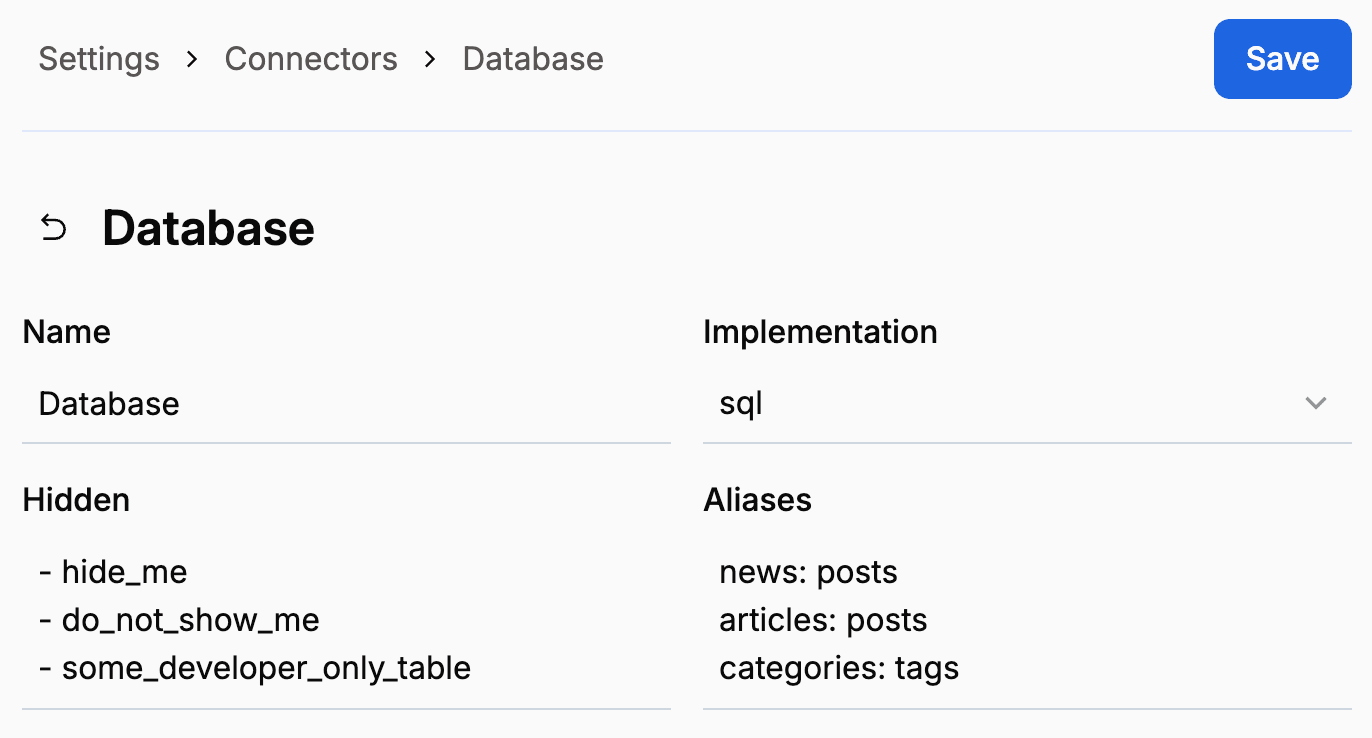

Hiding tables
If your database includes tables that should not be visible inside Orbitype for whatever reason, simply add them inside the hidden field. Write one table name per line, prefixes with a dash. The syntax follows the YAML array format.
Table aliases
A table may sometimes be referred to by more than one name. For example, the foreign keys admin_id and member_id may both point to a table called users. In such scenarios, you may inform Orbitype of such aliases to ensure that references are correctly resolved.
Simply add one alias per line inside the aliases field. The first value is the original name, the second one the alias. A table can have as many aliases as you want. The syntax follows the YAML object format.