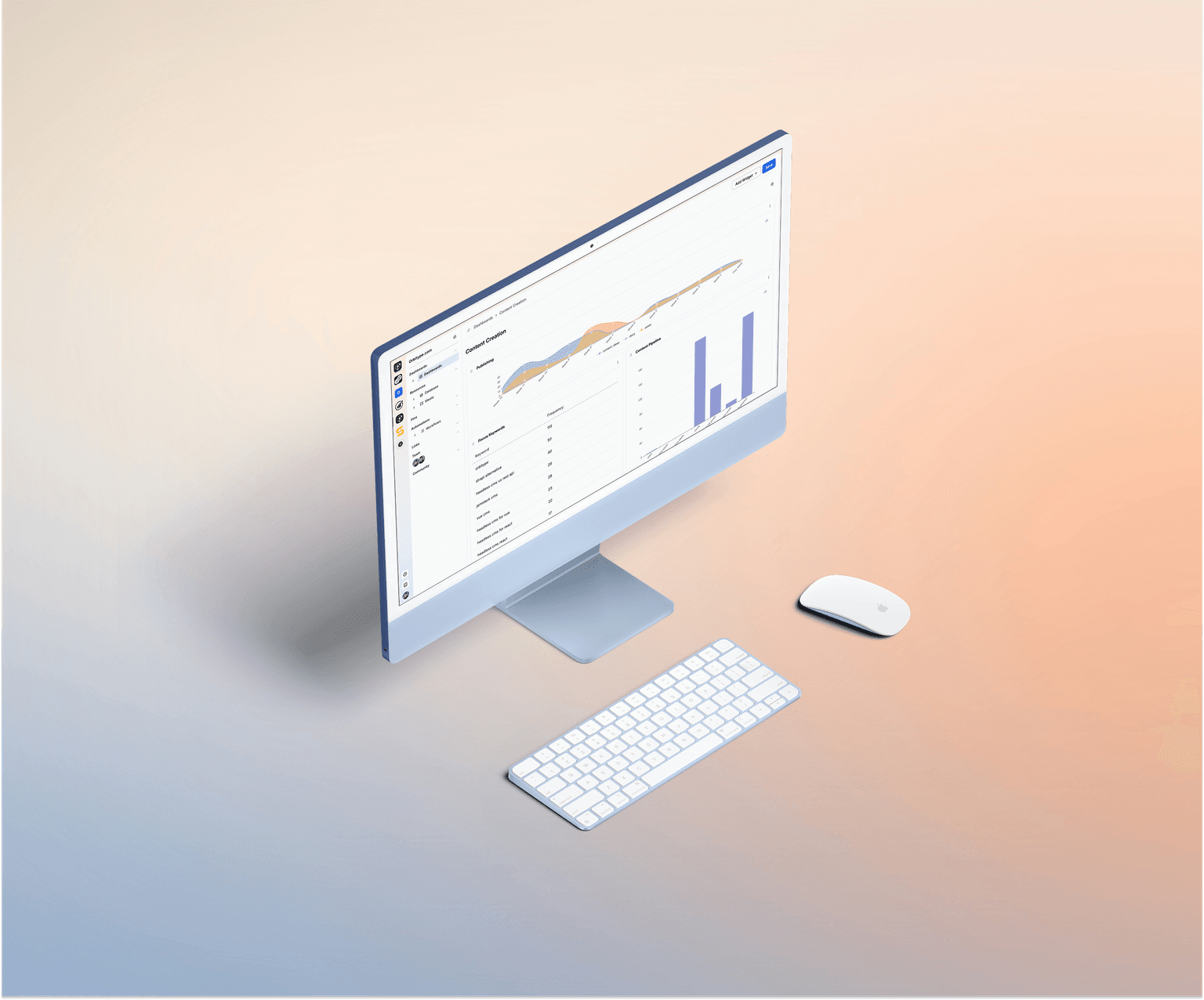
Dashboards
Dashboards visualize SQL query results as charts and tables. Each chart type expects a specific result shape (rows and columns). Make sure your query returns the required columns and data types.
TABLE_OF_CONTENTS
Numbers
Use this for KPIs and single-value tiles.
Required shape: exactly one row with one or more numeric columns.
Notes: If multiple numeric columns are returned, each column is rendered as a separate number tile. Non-numeric columns are ignored.
Table
Use this to display raw query results.
Required shape: one or more rows with any number of columns.
Notes: Column order and names are taken from the SQL result. This is the most flexible chart type.
Bar Chart
Use this to compare values across categories.
Required shape: rows with at least one category column and one numeric column.
Category column: text, enum, or any value that can be rendered as a label.
Numeric column: integer or decimal.
Notes: If multiple numeric columns are returned, they are rendered as multiple series (grouped bars).
Pie Chart
Use this to show how a total is split across parts.
Required shape: rows with one category column and one numeric column.
Notes: Best used with a small number of categories (for readability). If more than one numeric column is returned, only the first numeric column is used.
Line Chart
Use this to visualize trends over time.
Required shape: rows with one date or date-time column and one or more numeric columns.
Time column: DATE, TIMESTAMP, or an ISO date string.
Notes: Each numeric column becomes a separate line series. Rows should be ordered by time for best results.
Area Stack Chart
Use this to show how multiple series contribute to a total over time.
Required shape: rows with one date or date-time column and two or more numeric columns.
Notes: Numeric columns are stacked per time point. Rows should be ordered by time.
Bar Stack Chart
Use this to show category totals split into segments.
Required shape: rows with one category column and two or more numeric columns.
Notes: Numeric columns are stacked per category. If you want grouped bars instead of stacked bars, use Bar Chart with multiple numeric columns.
Scatter Chart
Use this to visualize correlations between numeric variables.
Required shape: rows with at least two numeric columns.
Minimum: one numeric column for X and one numeric column for Y.
Optional: a third numeric column can be used as point size (bubble) if supported by the renderer.
Notes: Additional columns may be used for labels or tooltips depending on the UI.
Radar Chart
Use this to compare multiple metrics for one or more entities.
Required shape: rows with one category column and two or more numeric columns.
Interpretation: The category identifies the entity (for example a product or team). Numeric columns represent the metrics shown as radar axes.
Notes: Works best with few entities and a limited set of metrics for readability.
Funnel Chart
Use this to visualize conversion or drop-off across ordered steps.
Required shape: rows with one step/category column and one numeric value column.
Ordering: Rows should be returned in the desired funnel order (step 1 to step N). If the UI sorts automatically, ensure values are still meaningful.
Notes: Values typically represent counts (leads, users, sessions) per step.
Map
Use this to plot points on a map.
Required columns: id, title, latitude, longitude.
Types: latitude and longitude must be numeric (decimal). id can be text or number. title should be text.
Optional: path can be provided to link points to internal routes or external URLs.
Notes: If latitude/longitude are missing or invalid, the point cannot be placed.
..
..